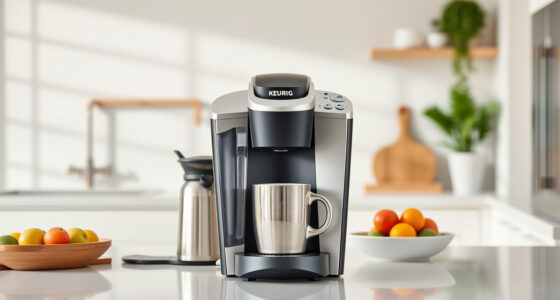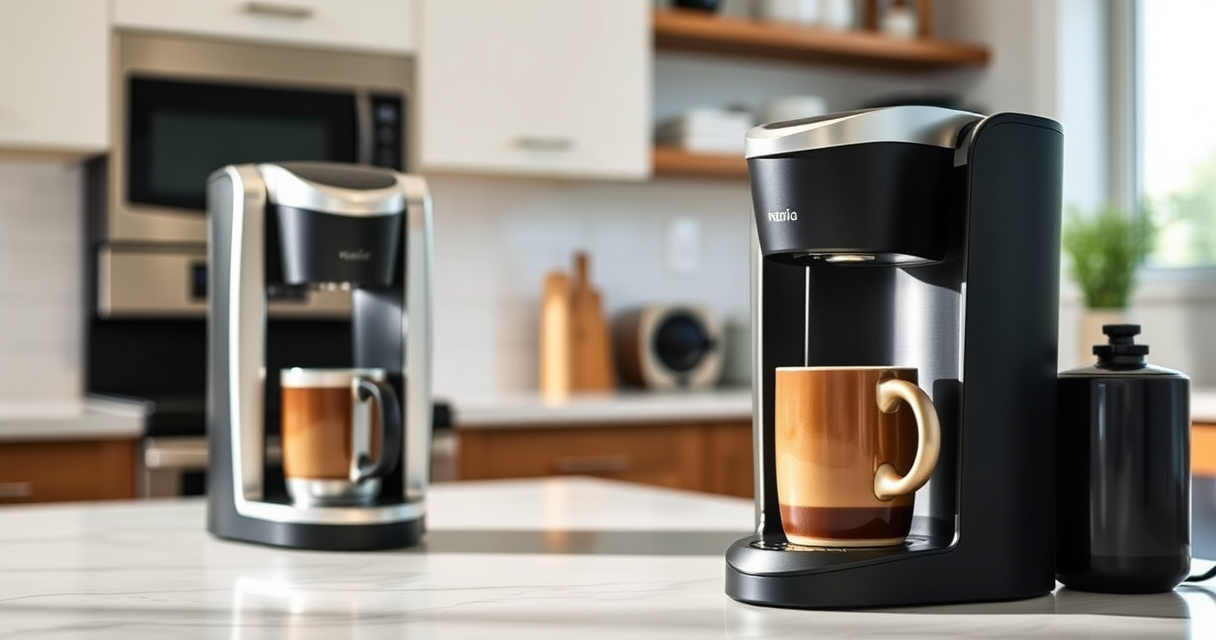

Keeping your Keurig K-Mini single serve coffee maker in top condition ensures every cup is fresh and flavorful. Regular maintenance prevents clogs, mineral buildup, and other common issues that can affect performance. This guide provides clear, practical steps to clean, descale, and troubleshoot your Keurig safely and effectively.

Get coffee and tea gear delivered free with Prime
- Fast, free delivery on millions of items
- Prime Video, Amazon Music and more included
- Member-only deals all year
Whether you’re a new user or a seasoned coffee lover, following these maintenance routines will extend your Keurig’s lifespan and improve your coffee experience.
Key Takeaways
| Regular Cleaning | Clean the brew head and drip tray weekly. |
| Descaling Frequency | Descale every 3-6 months to remove mineral buildup. |
| Use Quality Water | Filtered water reduces mineral deposits. |
| Troubleshooting | Identify and fix common issues like slow brewing or leaks. |
Preparing to Clean Your Keurig K-Mini
- Unplug the machine and remove any K-Cup pods.
- Empty the water reservoir and drip tray.
- Gather cleaning supplies: soft cloth, mild detergent, descaling solution, and rinse pods.
Cleaning the Exterior and Components
- Wipe the exterior with a damp cloth. Avoid abrasive cleaners.
- Remove the drip tray and wash it with warm, soapy water.
- Clean the brew head with a damp cloth or soft brush to remove residue.
Descaling Your Keurig K-Mini
- Fill the water reservoir with a descaling solution or a mixture of equal parts water and white vinegar.
- Place a large mug on the drip tray.
- Run a brew cycle without a K-Cup, allowing the solution to pass through.
- Repeat until the reservoir is empty.
- Rinse the reservoir thoroughly, then fill with fresh water.
- Run multiple brew cycles with just water to rinse out any vinegar or descaling residue.
Troubleshooting Common Issues
- Slow brewing: Descale your machine regularly and check for clogs.
- Leaking: Ensure the water reservoir is seated correctly and the drip tray is properly in place.
- Water not dispensing: Clean the brew head and descale if needed.
Additional Tips and Warnings
Always use filtered or bottled water to reduce mineral buildup. Avoid using harsh chemicals or abrasive tools. Regularly inspect and replace water filters if applicable. Unplug the machine before cleaning to prevent accidental activation.
The Products in This Guide

Keurig K-Mini Single Serve K-Cup Pod Coffee Maker
- ✔ Cord Storage: Yes
- ✔ Brew Capacity: 6-12 oz
- ✔ Size: Less than 5 inches wide

My K-Cup® Reusable Coffee Filter
- ✔ Material: BPA-free plastic
- ✔ Capacity: Single cup
- ✔ Compatibility: Multiple Keurig models
Keurig K-Mini Single Serve K-Cup Pod Coffee Maker
The Keurig K-Mini offers a space-saving design with quick brewing, making it ideal for small kitchens and offices. Regular cleaning and descaling will keep your machine performing at its best.
Pros:
- Small footprint fits any space
- Fast brew times
- Removable drip tray for easy cleaning
- Auto off feature saves energy
Cons:
- Limited brew size options
- No water filter built-in
- Requires frequent descaling in hard water areas
Best for: Small spaces, quick coffee needs, minimal maintenance
Not ideal for: Large volume brewing, multiple cups at once
Bottom line: A compact, efficient coffee maker perfect for small spaces with straightforward maintenance.
My K-Cup® Reusable Coffee Filter
The My K-Cup® Reusable Coffee Filter allows you to brew your favorite ground coffee, giving you more control over flavor and cost. It’s compatible with the Keurig K-Mini and other models, making it a versatile addition.
Pros:
- Cost-effective
- Customizable coffee blends
- Easy to clean
- Eco-friendly option
Cons:
- Requires pre-measuring ground coffee
- May need cleaning more often
- No automatic features
Best for: Ground coffee lovers, eco-conscious users, cost-saving brewers
Not ideal for: Convenience seekers preferring K-Cups
Bottom line: A simple upgrade that offers more flexibility and savings for your coffee routine.
Frequently Asked Questions
How often should I descale my Keurig K-Mini?
Descale your Keurig K-Mini every 3 to 6 months, or more frequently if you have hard water, to prevent mineral buildup and maintain optimal performance.
Can I use ground coffee with my Keurig?
Yes, using the My K-Cup® Reusable Coffee Filter, you can brew your own ground coffee instead of K-Cups, giving you more flavor options and saving money.
Why is my Keurig leaking?
Leaking usually indicates that the water reservoir isn’t seated properly or the drip tray is not correctly positioned. Check and reassemble all parts securely.
What should I do if my Keurig isn’t brewing properly?
First, clean the brew head and run a descaling cycle. Ensure the water reservoir is filled correctly, and check for clogs or blockages.
Keep Your Keurig K-Mini Brewing Perfectly
Regular maintenance, including cleaning and descaling, is key to ensuring your Keurig K-Mini continues to brew fresh, flavorful coffee every time. Follow these simple steps and tips to troubleshoot common issues and prolong the life of your machine, enjoying great coffee day after day.
Affiliate disclosure: As an Amazon Associate we earn from qualifying purchases. Prices and availability are accurate as of the time of publishing.
Halloween Picks
halloween
As an affiliate, we earn on qualifying purchases.